Tampilkan postingan dengan label Emulator android. Tampilkan semua postingan

Kamis, 06 Februari 2014

FPse for android 0.11.122 build 229


FPse for Android is the fastest and most compatible PSone emulator for handheld devices.(also known as PSX or Playstation 1)


FPSE pour Android

Size: 2.0 MB 
Android Requires : 2.1+

More Info on google play :
https://play.google.com/store/apps/details?id=com.emulator.fpse


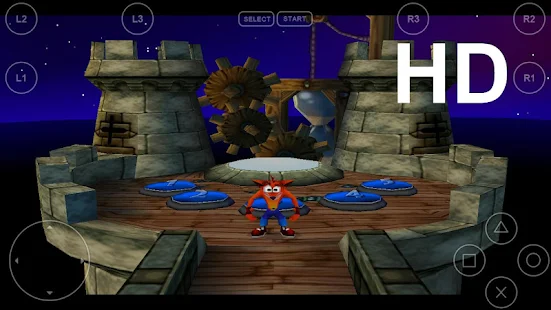
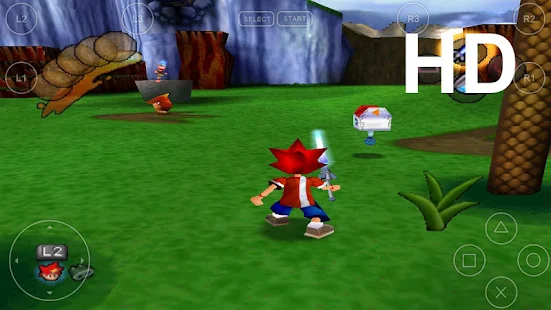
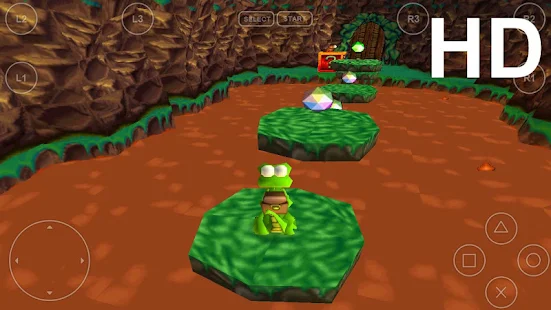
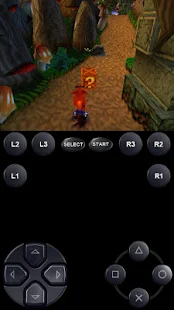
 FPSE pour Android - screenshot thumbnailFPSE pour Android - screenshot thumbnailFPSE pour Android - screenshot thumbnailFPSE pour Android - screenshot thumbnailFPSE pour Android - screenshot thumbnailFPSE pour Android - screenshot thumbnailFPSE pour Android - screenshot thumbnail
More than 180.000 active users and rated up to 4,5 stars on google play!

FPse is able to render PSone games in high resolution by using OpenGL which gives outstanding graphics!

Take a look to the Official Documentation to understand requirements and how it works:

http://www.fpsece.net/readme.html

Create an ISO image from your favorite games and enjoy playing them on your Android phone.

FPse features the following:
-High performance
-High compatibility
-High sound quality
-Real-time save states
-Audio track emulation (using .cue files)
-Force-feedback
-Dynamically loadable Overlay Pads
-Guncon emulation
-Analog Stick emulation
-Compatible with G-Sensor, Touchscreen and Hardware keys
-Supports .img, .iso, .bin, .cue, .nrg , .mdf and .Z disc image formats
-Full Support for IcontrolPAD, BGP100,Zeemote (via Bluez IME)
-OpenGL support via external plugin!

A few tips to improve your gameplay experience:
-in Landscape orientation DPAD and Main 4 buttons are activated, if you want to activate all others, go in menu/input/touchscreen and select others buttons.
-Create a default configuration by setting your desired options and then selecting “Default Config Save” in the System Menu.
-CALL, BACK, VOLUME UP/DOWN buttons can be assigned as PSone buttons but can be used is not assigned.
-Guncon emulation requires the A and B buttons to be mapped to Hardware keys. By default: L3 = A and R3 = B.
-SPUSync is required for proper sound quality in certain games such as MGS and FFVII.
-Frameskip set to 50 will avoid sound stuttering on load end device or with somes games that use much CPU.

What's in this version : (Updated : Feb 4, 2014)
Fixed Download plugins problem since webserver update
Fixed possible freeze When scanning storage
Fixed External Card detection on somes devices
Added Multi core option for gpu software in OPenGL mode, FPse is twice faster!
Added Shaders effects and Scalers to OpenGL Software mode
Experimental Software GPU HD!! longpress onto Icon then Video
Added change color for onscreen two states buttons
Updated audio plugins and OpenGL plugin, both are much better!

Rabu, 05 Februari 2014

FPSE For Android 0.11.122


FPse for Android is the fastest and most compatible PSone emulator for handheld devices.(also known as PSX or Playstation 1) FPSE pour Android v0.11.122


Mediafire
4shared

Size: 2.0 MB
Android Requires : 2.1+

https://play.google.com/store/apps/details?id=com.emulator.fpse


 FPSE pour Android - screenshot thumbnailFPSE pour Android - screenshot thumbnailFPSE pour Android - screenshot thumbnailFPSE pour Android - screenshot thumbnailFPSE pour Android - screenshot thumbnailFPSE pour Android - screenshot thumbnailFPSE pour Android - screenshot thumbnail
More than 180.000 active users and rated up to 4,5 stars on google play!

FPse is able to render PSone games in high resolution by using OpenGL which gives outstanding graphics!

Take a look to the Official Documentation to understand requirements and how it works:

http://www.fpsece.net/readme.html

Create an ISO image from your favorite games and enjoy playing them on your Android phone.

FPse features the following:
-High performance
-High compatibility
-High sound quality
-Real-time save states
-Audio track emulation (using .cue files)
-Force-feedback
-Dynamically loadable Overlay Pads
-Guncon emulation
-Analog Stick emulation
-Compatible with G-Sensor, Touchscreen and Hardware keys
-Supports .img, .iso, .bin, .cue, .nrg , .mdf and .Z disc image formats
-Full Support for IcontrolPAD, BGP100,Zeemote (via Bluez IME)
-OpenGL support via external plugin!

A few tips to improve your gameplay experience:
-in Landscape orientation DPAD and Main 4 buttons are activated, if you want to activate all others, go in menu/input/touchscreen and select others buttons.
-Create a default configuration by setting your desired options and then selecting “Default Config Save” in the System Menu.
-CALL, BACK, VOLUME UP/DOWN buttons can be assigned as PSone buttons but can be used is not assigned.
-Guncon emulation requires the A and B buttons to be mapped to Hardware keys. By default: L3 = A and R3 = B.
-SPUSync is required for proper sound quality in certain games such as MGS and FFVII.
-Frameskip set to 50 will avoid sound stuttering on load end device or with somes games that use much CPU.

What's in this version : (Updated : Dec 22, 2013)
What's in this version : (Updated : Feb 4, 2014)
Fixed Download plugins problem since webserver update
Fixed possible freeze When scanning storage
Fixed External Card detection on somes devices
Added Multi core option for gpu software in OPenGL mode, FPse is twice faster!
Added Shaders effects and Scalers to OpenGL Software mode
Experimental Software GPU HD!! longpress onto Icon then Video
Added change color for onscreen two states buttons
Updated audio plugins and OpenGL plugin, both are much better!
Instructions:
Install and play with modded Google play by ChelpuS or
Remove license verification with Lucky patcher via 'Custom patch' by SanX

Rabu, 29 Januari 2014

ePSXe for Android 1.9.16

*
ePSXe for Android is a Playstation emulator (PSX and PSOne). 


Size: 2.5  MB
Android Requires : 2.2+

https://play.google.com/store/apps/details?id=com.epsxe.ePSXe


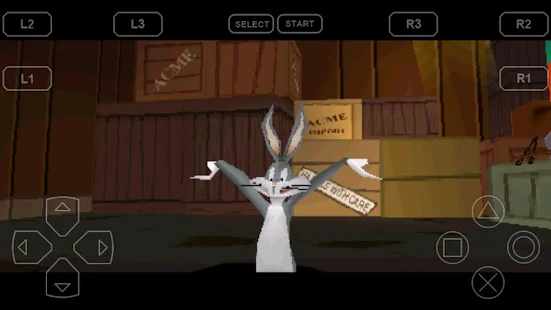
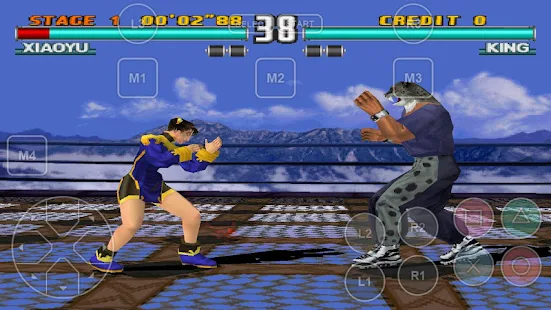
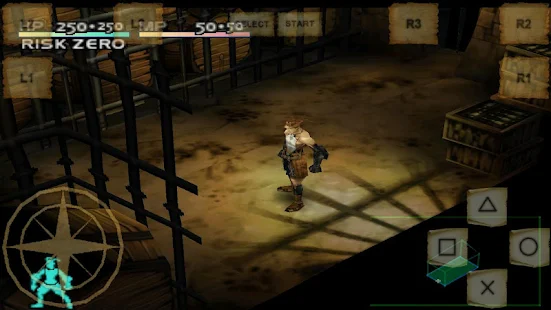
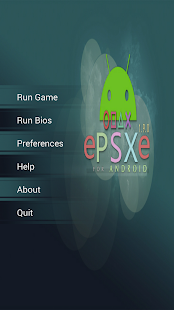
ePSXe pour Android - screenshot thumbnailePSXe pour Android - screenshot thumbnailePSXe pour Android - screenshot thumbnailePSXe pour Android - screenshot thumbnailePSXe pour Android - screenshot thumbnailePSXe pour Android - screenshot thumbnailePSXe pour Android - screenshot thumbnailePSXe pour Android - screenshot thumbnail
It is a port from the famous ePSXe for PC. ePSXe provides high compatibility and good speed. It is designed for smartphones and tablets, including a fun 2 players option for tablets using split screen mode.

What's New
Version 1.9.15/1.9.16
* Updated UI and Logo (Robert Typek)
* Full screen inmersion (4.4)
* 32bit blit.
* Very low latency sound mode.
* Improvents and gamepads support (more pads, automap on gameplay, l2/r2 mapping)
* Bluetooth keyboards support.
* New ECM indexer.
* Option to download the OpenGL plugin.
* Option to delete savestates
* Korean language (Duo Jeon)
* Fixed Ppf support.
* GPU: Fixed Mad Stalker.
* ixed Kidou Senshi Gundam - Gihren no Yabou CD2
More info http://epsxe.com/android/

Jumat, 24 Januari 2014

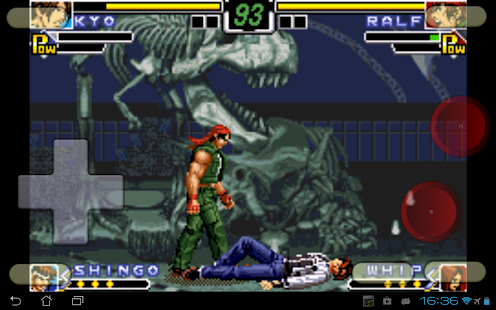
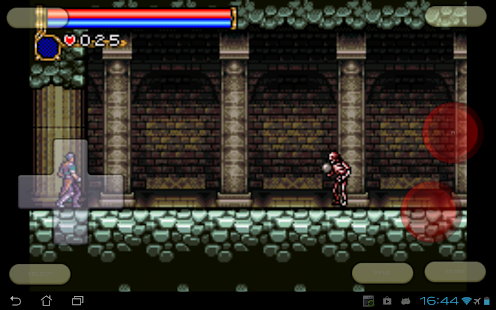
VGBA - GameBoy (GBA) Emulator 4.3.2


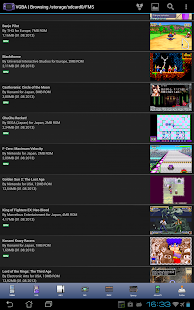
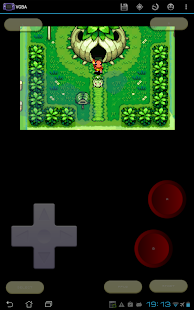
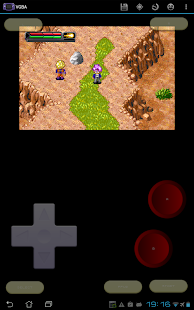
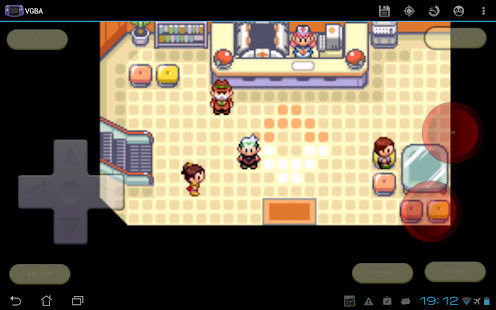
VGBA is a GameBoy Advance emulator. It runs GBA games on your Android phone or tablet, saves GameBoy game progress at any time, and even lets you cheat by adding health points, strength, or becoming invincible. Share your GameBoy game progress with friends, then let them continue where you've left off. Use network play to trade Pokemon or battle other VGBA users via WiFi.


Size: 2.3 MB
Android Requires : 2.2+

More Info on Google Play:
https://play.google.com/store/apps/details?id=com.fms.vgba

What's New
* Made "Scanline Effect" a list selector.
* Added "Vertical Scanlines" option, for
vertical scanlines found in old LCDs.
* Added "Raster Effect" option, for LCD-like
raster simulation.
* Fixed a crash when surface gets destroyed
during display update.
* Fixed a crash when deleting files with
special characters in their names.
* Added Gundam SEED cheats to the
Cheatopedia.
* Added Inspector Gadget cheats to the
Cheatopedia.
* Added cheats for Disney's Party, Princess,
and Magical Quest games.

VGBA supports GoogleTV and lets you play
GameBoy Advance games with generic
Bluetooth joysticks, Xperia gaming buttons,
Moga gamepads, iCade joysticks, and Sixaxis
controllers. Other features:
* Specifically optimized for Android devices,
using assembly language and hardware
acceleration to run GBA games as fast as
possible.
* Supports full screen landscape and portrait
modes, with many special effect options.
* The built-in Cheatopedia offers cheat codes
for dozens of popular GameBoy Advance
games.
* Save GBA game play at any point and go
back to that point once your character gets
killed.
* Share your current GBA game progress with
other users via State Exchange feature.
* Supports real time clock, rumble, and
features found in GameBoy Advance games.
* Supports network play with other VGBA
users via WiFi.
* You do not need GBA BIOS file: VGBA
emulates BIOS internally.
* Play with your hardware keyboard,
gamepad, touch screen, or accelerometer.
* Supports Xperia Play special buttons,
generic gamepads, MOGA gamepads, iCade
joysticks, and Sixaxis gamepads.
* Supports GoogleTVs upgraded to Android
4.x, such as LG G2/G3.
VGBA package itself does not contain any
games. You should place your own game files
onto the SD card before running VGBA.
Notice that VGBA will not play Classic
GameBoy games: you will need VGB for that.
Please, do not run any software you do not
own with VGBA. The author cannot and will
not tell you where to find free GameBoy
Advance games.
Please, report any encountered problems
here: