Tampilkan postingan dengan label Emulator. Tampilkan semua postingan

Kamis, 06 Februari 2014

FPse for android 0.11.122 build 229


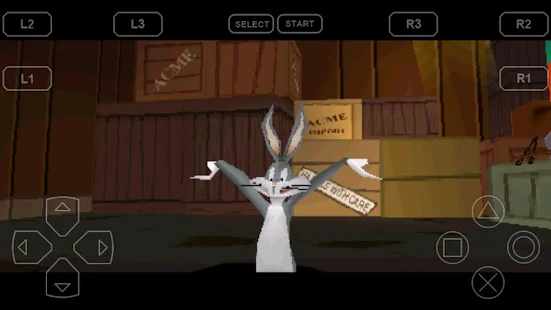
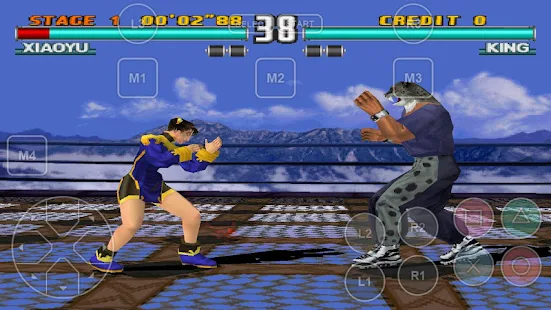
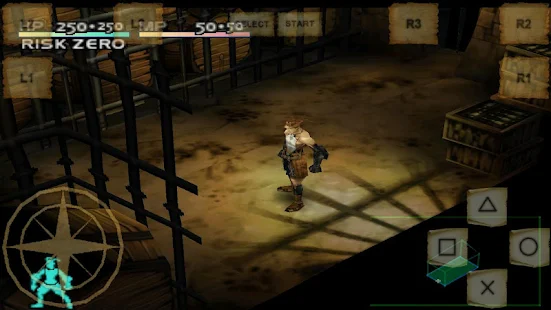
FPse for Android is the fastest and most compatible PSone emulator for handheld devices.(also known as PSX or Playstation 1)


FPSE pour Android

Size: 2.0 MB 
Android Requires : 2.1+

More Info on google play :
https://play.google.com/store/apps/details?id=com.emulator.fpse


 FPSE pour Android - screenshot thumbnailFPSE pour Android - screenshot thumbnailFPSE pour Android - screenshot thumbnailFPSE pour Android - screenshot thumbnailFPSE pour Android - screenshot thumbnailFPSE pour Android - screenshot thumbnailFPSE pour Android - screenshot thumbnail
More than 180.000 active users and rated up to 4,5 stars on google play!

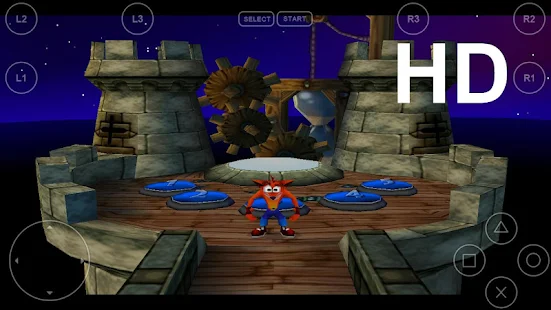
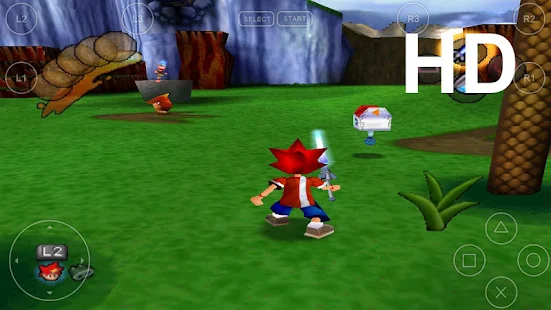
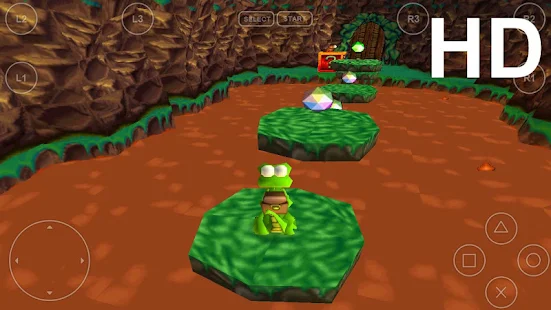
FPse is able to render PSone games in high resolution by using OpenGL which gives outstanding graphics!

Take a look to the Official Documentation to understand requirements and how it works:

http://www.fpsece.net/readme.html

Create an ISO image from your favorite games and enjoy playing them on your Android phone.

FPse features the following:
-High performance
-High compatibility
-High sound quality
-Real-time save states
-Audio track emulation (using .cue files)
-Force-feedback
-Dynamically loadable Overlay Pads
-Guncon emulation
-Analog Stick emulation
-Compatible with G-Sensor, Touchscreen and Hardware keys
-Supports .img, .iso, .bin, .cue, .nrg , .mdf and .Z disc image formats
-Full Support for IcontrolPAD, BGP100,Zeemote (via Bluez IME)
-OpenGL support via external plugin!

A few tips to improve your gameplay experience:
-in Landscape orientation DPAD and Main 4 buttons are activated, if you want to activate all others, go in menu/input/touchscreen and select others buttons.
-Create a default configuration by setting your desired options and then selecting “Default Config Save” in the System Menu.
-CALL, BACK, VOLUME UP/DOWN buttons can be assigned as PSone buttons but can be used is not assigned.
-Guncon emulation requires the A and B buttons to be mapped to Hardware keys. By default: L3 = A and R3 = B.
-SPUSync is required for proper sound quality in certain games such as MGS and FFVII.
-Frameskip set to 50 will avoid sound stuttering on load end device or with somes games that use much CPU.

What's in this version : (Updated : Feb 4, 2014)
Fixed Download plugins problem since webserver update
Fixed possible freeze When scanning storage
Fixed External Card detection on somes devices
Added Multi core option for gpu software in OPenGL mode, FPse is twice faster!
Added Shaders effects and Scalers to OpenGL Software mode
Experimental Software GPU HD!! longpress onto Icon then Video
Added change color for onscreen two states buttons
Updated audio plugins and OpenGL plugin, both are much better!

Jumat, 24 Januari 2014

Nostalgia.NES Pro 1.09.0


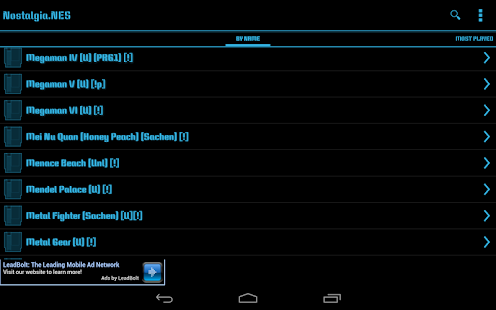
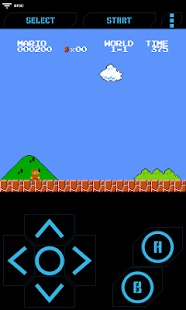
Nostalgia.NES is a high quality NES (Nintendo Entertainment System) and Famicom emulator based on the most up-to-date revision of the famous FCEUX.


Size: 2.3 MB
Android Requires : 2.2+
More Info on Google Play:
https://play.google.com/store/apps/details?id=com.nostalgiaemulators.nesfull


 Nostalgia.NES Pro - screenshot thumbnailNostalgia.NES Pro - screenshot thumbnailNostalgia.NES Pro - screenshot thumbnailNostalgia.NES Pro - screenshot thumbnailNostalgia.NES Pro - screenshot thumbnailNostalgia.NES Pro - screenshot thumbnailNostalgia.NES Pro - screenshot thumbnail


Features
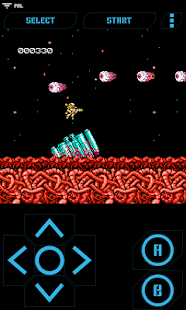
- Modern, cool-looking & user friendly interface
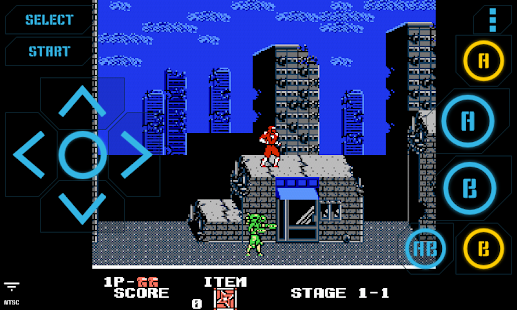
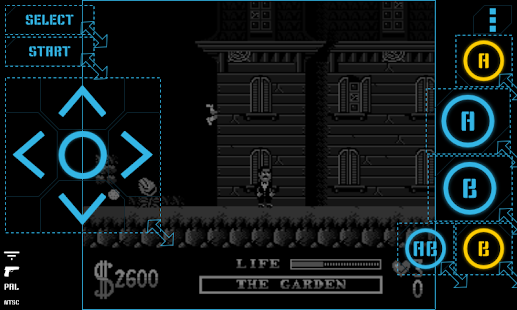
- Highly customizable virtual controller! You can adjust the size and position of each button to suit your needs.
- Game progress saving and loading - 8 manual slots with screenshots & an autosave slot. Share save states among your devices via BT, mail, skype etc. directly from the app.
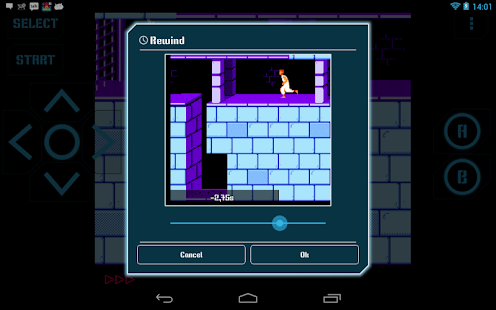
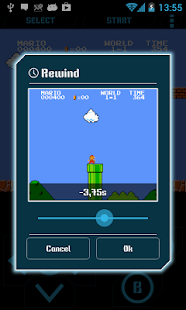
- Rewinding! Got killed by a bad guy? Never mind! Just rewind the game a couple of seconds back and try again!
- Wi-Fi controller mode! This unique feature allows several devices to be connected with each other. Turn your phone into a wireless gamepad and play your favorite multiplayer NES games with your friends. We support up to 4 players! Learn more: http://nostalgiaemulators.com/?page_id=101

- Zapper (light gun) emulation
- Turbo buttons & A+B button
- PAL (Europe)/NTSC (USA, Japan) video modes support
- Hardware accelerated graphics utilizing OpenGL ES
- 44100 Hz stereo sound
- Hardware keyboard support
- Screenshots - easily capture an image of the game any time during gameplay
- GameGenie and raw cheats - use special cheat codes to make NES games even more fun! Learn more: http://nostalgiaemulators.com/?page_id=108
- NES and ZIP file support

No ROMs are included in the application.
Some public domain (freeware) games can be found at www.pdroms.de
Place your ROMs (zipped or unzipped) anywhere on your SD card - Nostalgia.NES will find them.

This is the lite version of Nostalgia.NES. It is ad-supported and some features (manual progress saving/loading and game rewinding) are enabled only when ads are displayed (ie. when you are connected to the internet). We do not want to disturb you during gameplay - no ads will be displayed when a game is running.

Tested on:
- HTC Desire S
- HTC Desire HD
- Nexus 7
- Nexus 10
- Asus Transformer TF101
- Huawei Ascend G300
- LG Optimus 2x
- Sony Xperia P
- Sony Xperia Arc
- Sony Tablet S

Do not hesitate to send bug reports, suggestions or questions to our email.

Legal:
We are in no way affiliated or endorsed by Nintendo or Nintendo of America. "Nintendo" is a registered trademark of Nintendo of America Inc.

What's New
1.09.0
- added possibility of locating ROM folders manually
- added possibility of changing screen size & position (PRO feature)
- added fast forward speed settings
- fixed many various bugs

VGBA - GameBoy (GBA) Emulator 4.3.2


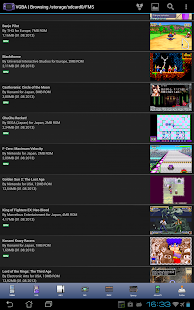
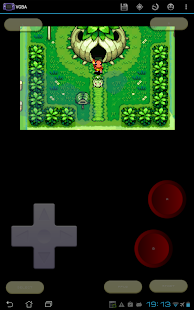
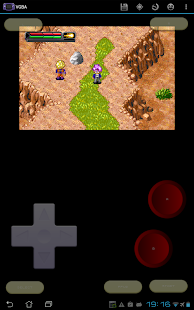
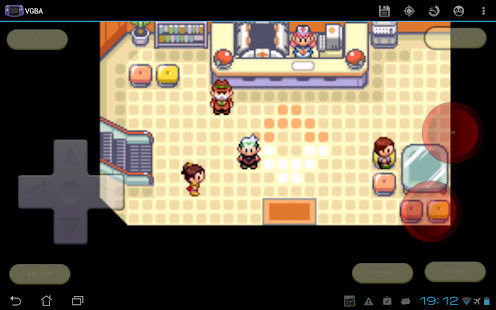
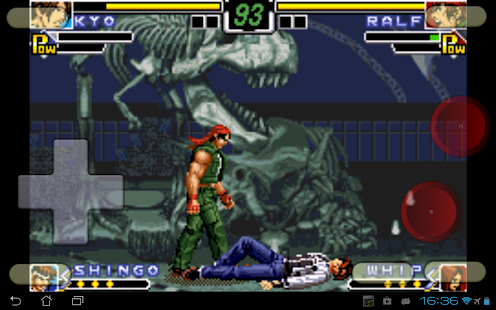
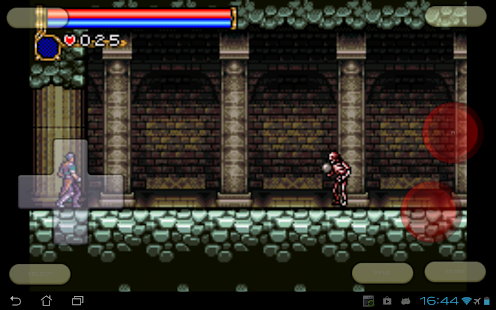
VGBA is a GameBoy Advance emulator. It runs GBA games on your Android phone or tablet, saves GameBoy game progress at any time, and even lets you cheat by adding health points, strength, or becoming invincible. Share your GameBoy game progress with friends, then let them continue where you've left off. Use network play to trade Pokemon or battle other VGBA users via WiFi.


Size: 2.3 MB
Android Requires : 2.2+

More Info on Google Play:
https://play.google.com/store/apps/details?id=com.fms.vgba

What's New
* Made "Scanline Effect" a list selector.
* Added "Vertical Scanlines" option, for
vertical scanlines found in old LCDs.
* Added "Raster Effect" option, for LCD-like
raster simulation.
* Fixed a crash when surface gets destroyed
during display update.
* Fixed a crash when deleting files with
special characters in their names.
* Added Gundam SEED cheats to the
Cheatopedia.
* Added Inspector Gadget cheats to the
Cheatopedia.
* Added cheats for Disney's Party, Princess,
and Magical Quest games.

VGBA supports GoogleTV and lets you play
GameBoy Advance games with generic
Bluetooth joysticks, Xperia gaming buttons,
Moga gamepads, iCade joysticks, and Sixaxis
controllers. Other features:
* Specifically optimized for Android devices,
using assembly language and hardware
acceleration to run GBA games as fast as
possible.
* Supports full screen landscape and portrait
modes, with many special effect options.
* The built-in Cheatopedia offers cheat codes
for dozens of popular GameBoy Advance
games.
* Save GBA game play at any point and go
back to that point once your character gets
killed.
* Share your current GBA game progress with
other users via State Exchange feature.
* Supports real time clock, rumble, and
features found in GameBoy Advance games.
* Supports network play with other VGBA
users via WiFi.
* You do not need GBA BIOS file: VGBA
emulates BIOS internally.
* Play with your hardware keyboard,
gamepad, touch screen, or accelerometer.
* Supports Xperia Play special buttons,
generic gamepads, MOGA gamepads, iCade
joysticks, and Sixaxis gamepads.
* Supports GoogleTVs upgraded to Android
4.x, such as LG G2/G3.
VGBA package itself does not contain any
games. You should place your own game files
onto the SD card before running VGBA.
Notice that VGBA will not play Classic
GameBoy games: you will need VGB for that.
Please, do not run any software you do not
own with VGBA. The author cannot and will
not tell you where to find free GameBoy
Advance games.
Please, report any encountered problems
here:

Mupen64Plus AE (N64 Emulator) 2.4.4


THIS APP DOES NOT COME WITH ROMS
 Mupen64Plus AE (Émulateur N64)


Size: 12 MB
Android Requires : 2.0+

More Info on Google Play:
https://play.google.com/store/apps/details?id=paulscode.android.mupen64plus


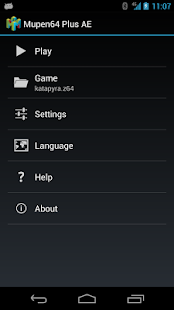
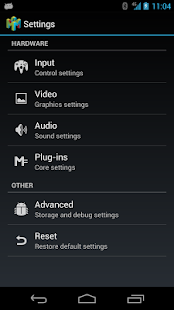
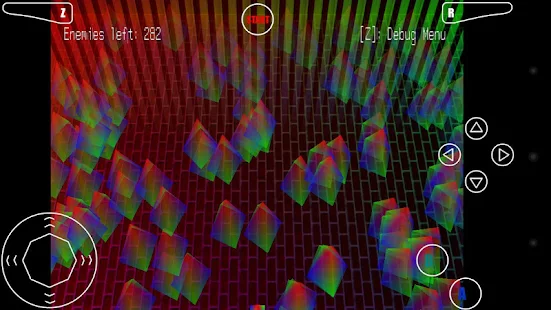
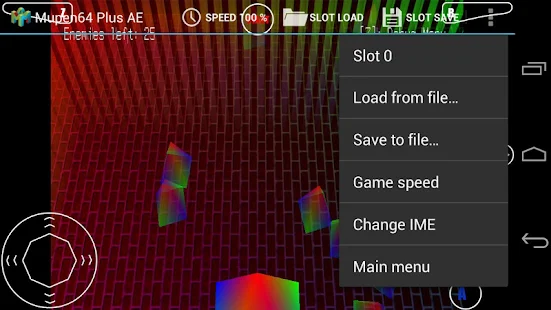
Mupen64Plus AE (Émulateur N64) - screenshot thumbnailMupen64Plus AE (Émulateur N64) - screenshot thumbnailMupen64Plus AE (Émulateur N64) - screenshot thumbnailMupen64Plus AE (Émulateur N64) - screenshot thumbnail

- You must have the right to a given ROM before you play it!
- A number of public domain games/demos are available at http://www.pdroms.de
99¢ IS FOR DONATIONS ONLY
- This app is free to download on my website (NO ADS!)
- Please consider donating
- Donations support MANY open-source projects and developers
Mupen64Plus, Android Edition (AE) is an N64 emulator for Android. It is currently in Beta testing, which means it is a work in progress. There are still many graphical, lag, and audio problems, even on modern devices. Visit http://www.paulscode.com to get involved in development and testing, as well as bug-fixes and FAQs.
This is the official app, which was taken down a few months ago after some of the competitors filed fake DMCA take-down notices. Trev (Keowsktech) published the app on his account for a few months while I was working out my account issues with Google. Now that my account has been restored, he will be unpublishing his branch in the near future. All future updates will be published from this account.
I believe part of the reason for the delay in processing my DMCA counter claims was because of potential copyright issues related to game screenshots I had posted for the app. I've decided to use only public domain games and demos for screenshots in the future, to prevent this problem from reoccurring. However, if the app gets pulled from the Market again, you will still be able to acquire future updates for free on paulscode.com.
This app is licensed by the GNU GPL v3.0, and the full source code is available through the public GIT repository athttps://github.com/paulscode/mupen64plus-ae If any developers would like write access to the repository, please get in touch with me (Paul) on the support forum. If you need help branching the project, just let me know, and he can help you get set up.
XPERIA PLAY OPTIMIZED
- Analog input from the touchpad!
GETTING STARTED
- Transfer ROMs anywhere to your internal storage/SD card
- Browse to them from within the app
- Default SD card directory on most devices is /mnt/sdcard
- ROMs must be in .n64, .v64, or .z64 format, optionally in .zip files

What's in this version:
2.0.3
- Improved joystick compatibility
- Added button mapping profiles
- Fixed touchscreen analog redraw bug
- Fixed various crashes
2.0.2
- Fixed crash caused by failed data extraction
2.0.1
- Fixed unnavigable ROM selection
- Updated license to GPLv3.0